Shiro Cult
Note:
Shiro Cult is a self-hosted Fluxer server instance.
Since the server and clients are still in beta, bugs are to be expected!
Registration & Login outsite Web Client
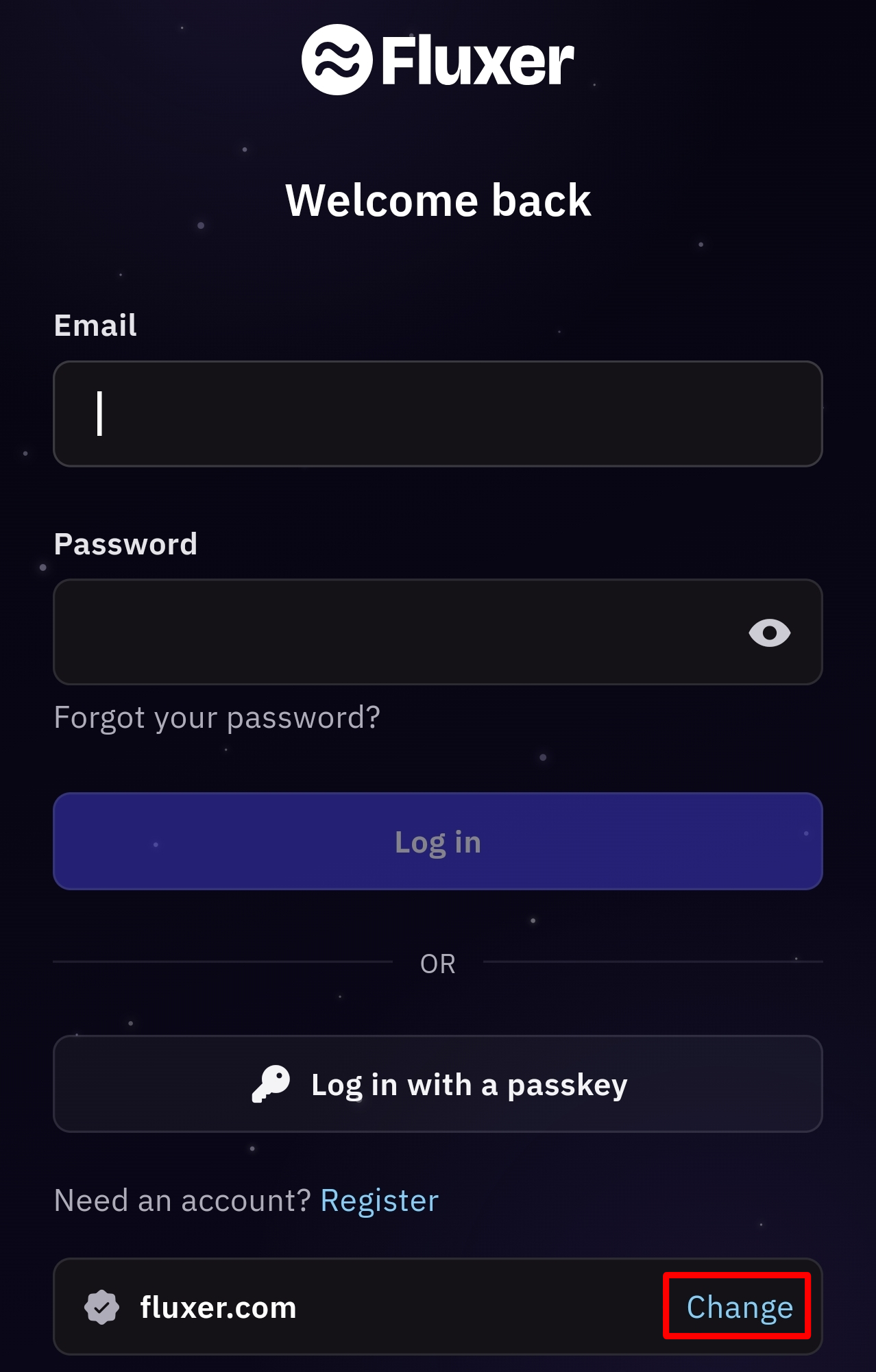
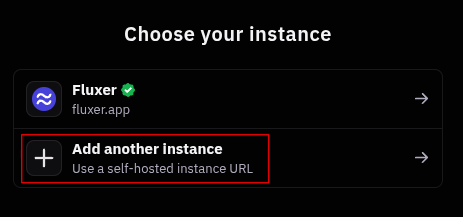
Before logging in or registration, make sure to change the instance from fluxer.com to chat.shiro-cult.quest.
You can likewise sign up via the web client if you wish to be absolutely certain.
Clients
Web ClientDesktop Client
The desktop client has 2 versions: stable and canary.
canary client: most up to date, more unstable than the stable client
Available on Windows, Linux, and macOS:
Android
Download from Google Play Store Download from GithubWebapp
1. Open the Web Client
2. Follow the instructions in one of these guides.
Check for your specific browser online if the guides don't work.
Note:
Following issue was noted after some recent updates had been applied:
There was an unusual bug in the webapp that caused it to not display properly.
Connecting with Shiro Cult Server
Desktop Client
Android